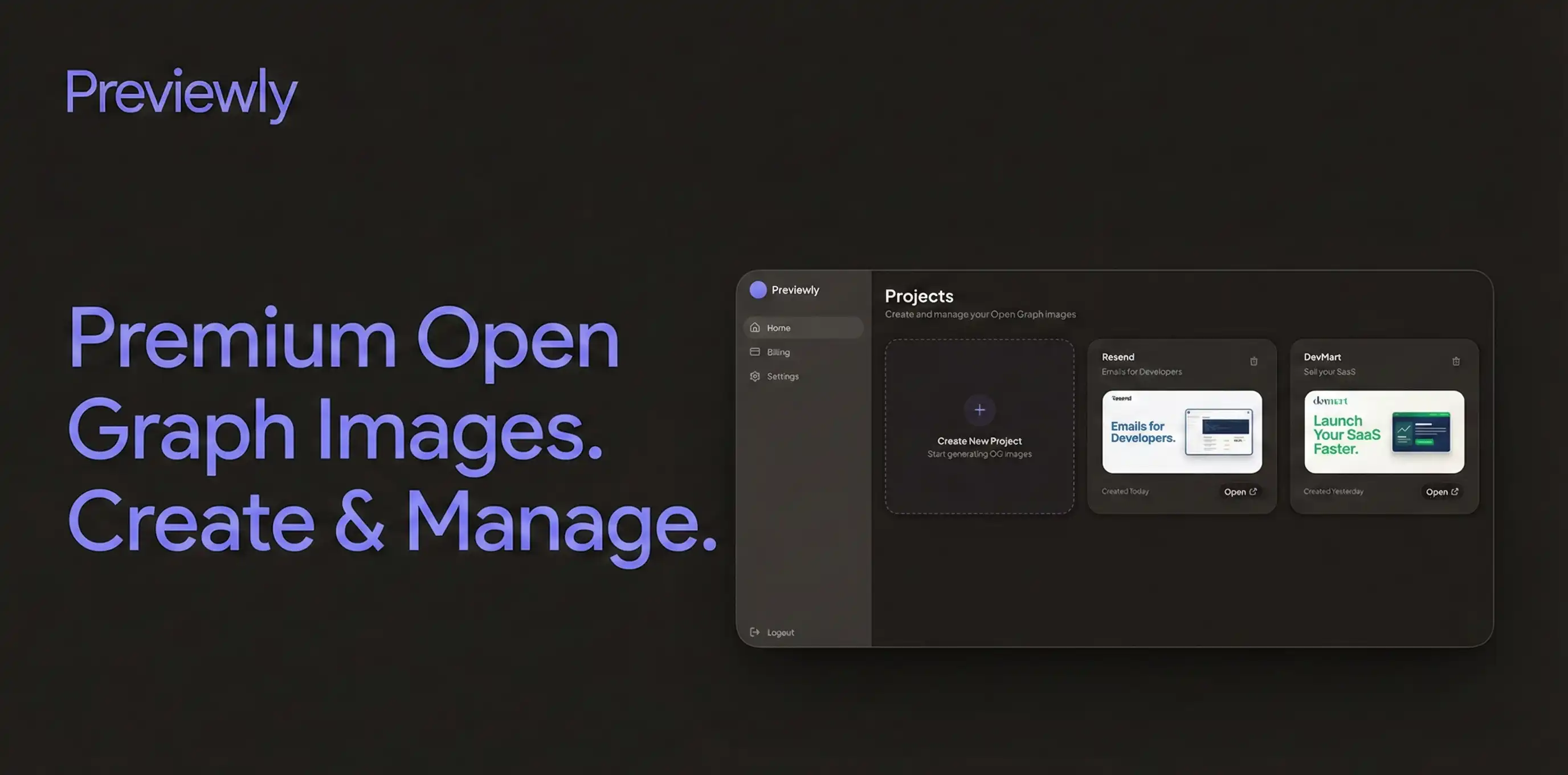
Simple Process
How Previewly Works
1
Create a project
Add your product name and a short description. Upload your logo and, if you want, a screenshot of your app or landing page.
2
Generate your preview
Previewly automatically creates a clean Open Graph image with a balanced layout, readable text, and proper contrast.
3
Use it anywhere
Download the image and follow the built-in guide to add it to your site. Your links now look great on Twitter, LinkedIn, Slack, and more.
Features
Everything you need — nothing you don't
AI-generated Open Graph images
Let AI create stunning previews automatically.
1200 x 630
Standard 1200x630 size
Works everywhere, every time.
Logo & screenshot support
Upload your brand assets easily.
Aa400
Clean, modern typography
Professional fonts that scale.
Click to download
Instant image download
Get your image in one click.
<meta property="og:image"
content="preview.png"
/>
Auto-generated setup guide
Step-by-step instructions included.
Next.jsReactAny Site
Works with any website
Next.js, React, or plain HTML.
Simple pricing, no surprises
Choose a plan based on how often you ship and share.
MonthlyAnnual2 months free
Frequently asked questions
Everything you need to know about Previewly
Still have questions? Contact us